
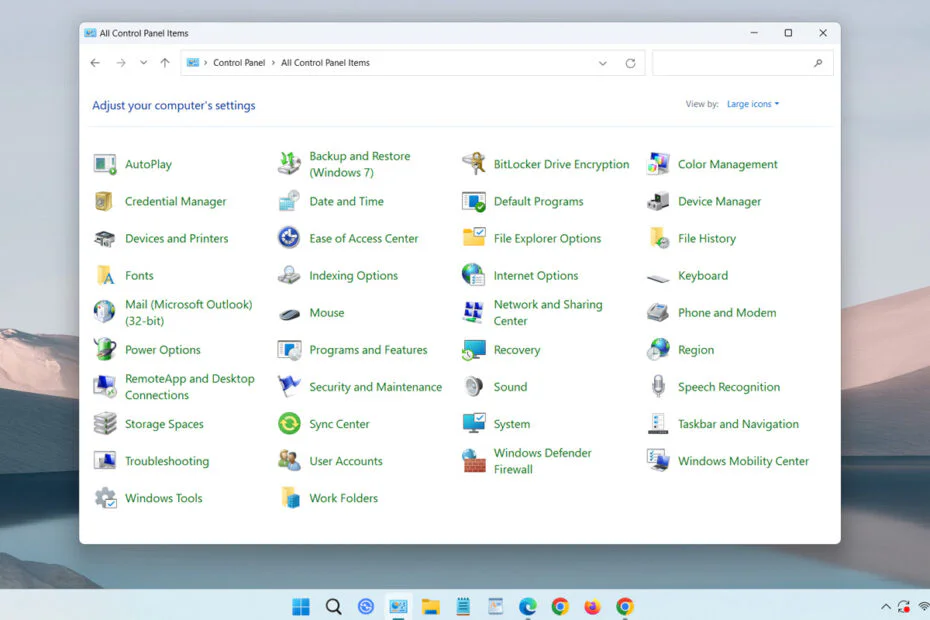
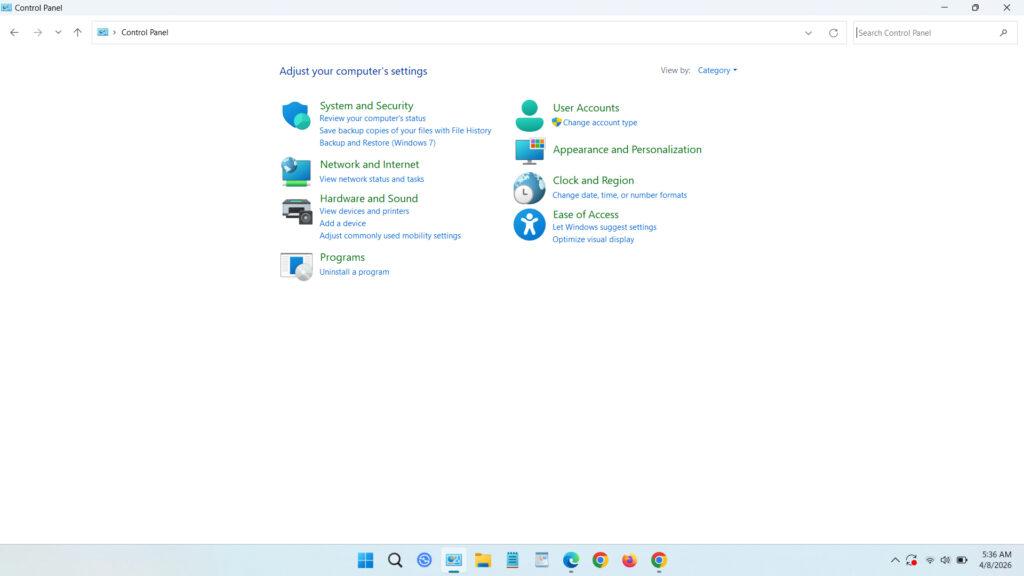
After nearly 40 years, Microsoft is getting ready to retire one of Windows’ longest-standing components. A senior engineer confirmed that the Control Panel will gradually give way to the newer Settings app. The change marks another milestone in the company’s broader push to modernize Windows’ core interface.
According to Microsoft Director of Design March Rogers, the company is actively working to smooth out lingering UI inconsistencies in Windows 11. The solution involves consolidating system options into a single settings hub, reducing reliance on both the Control Panel and the Settings app for routine functions like network and printer configuration.
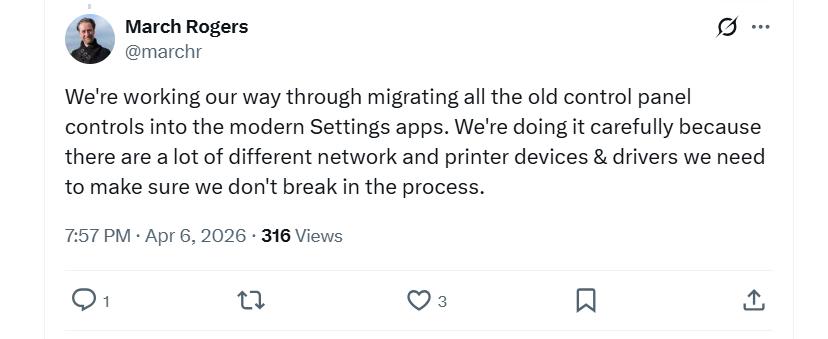
Rogers said the transition is gradual because the Control Panel still houses a wide range of device and driver settings. Engineers are working carefully to move those options without disrupting existing functionality. He also noted that Settings pages are being refreshed to improve clarity and enhance dark mode support.
Microsoft is also putting more attention on speed and stability, which should bring a more consistent feel across Windows 11. After plenty of feedback about bugs, lag, and UI quirks, the next updates are likely to focus on smoothing things out instead of adding big new features.
The senior engineer added File Explorer and the Start Menu will receive UI refinements and performance improvements in the months ahead. The first wave is expected to arrive with next week’s April update.
Changes expected this month include refreshed account dialogs with dark mode support, Copilot-powered Narrator features across devices, expanded pen tail button options, and voice typing for renaming files in File Explorer. These updates are part of a broader set of refinements aimed at improving the overall user experience.
According to Rogers, File Explorer is undergoing a significant refresh targeting interface consistency, performance gains, and improved reliability. The Start Menu is slated for comparable enhancements, including faster responsiveness, refined search indexing, and stability fixes. Microsoft is also evolving the legacy Command Prompt with select features drawn from the open-source Windows Terminal.
Maybe you will like another interesting article?