
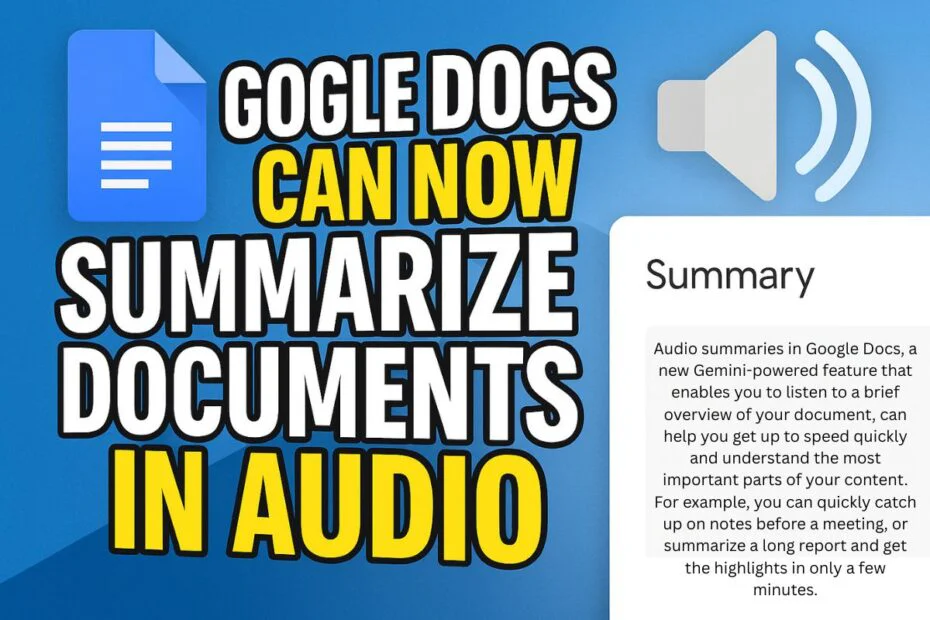
When Google quietly began testing its Gemini-powered document reader last year, it offered an early glimpse into the company’s broader ambitions for changing how users engage with text. That initiative is now moving forward, as Google Docs introduces AI-generated audio summaries that turn long documents into concise, natural-sounding recaps, more akin to a podcast than a conventional office feature.
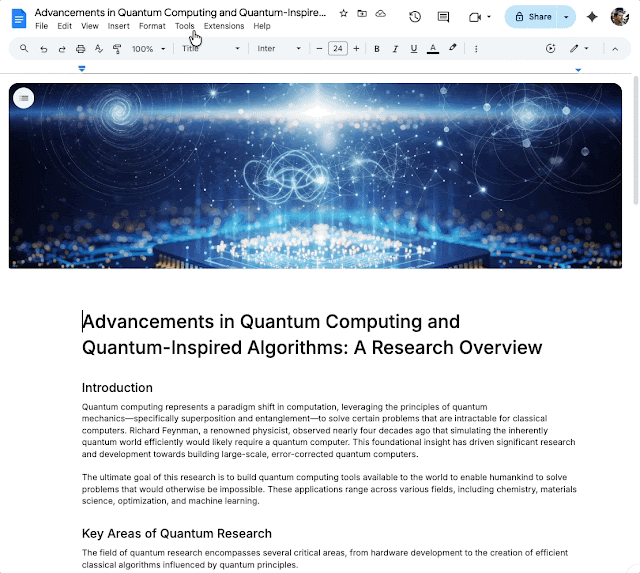
The feature is set to roll out across Google Workspace over the next two weeks. Users will find it under Tools > Audio > Listen to document summary, where a compact media player allows playback control. The summaries, generally under three minutes, pull details from multiple document tabs and are narrated using Google’s Gemini model.
Each summary is synthesized through Gemini’s natural language generation system, which processes document content, identifies key concepts, and produces a concise spoken script. Gemini’s speech synthesis engine then converts this text into voice, available in several tone presets such as “narrator,” “persuader,” and “coach.”
Users can control playback speed from 0.5× to 2×, pause or rewind, and switch between vocal styles without leaving the Docs interface.
The technology is based on NotebookLM, Google’s experimental research tool for students, which already uses Gemini to generate spoken study notes. However, this marks the first time Google has integrated the same summarization engine directly into Docs for business and educational use.
This move fits into Google’s bigger plan to bake generative AI into Workspace and turn its writing apps into something more than just places to type, more like smart assistants that can handle different kinds of tasks.
Right now, it’s only for paid users, people on the Google AI Pro or Ultra plans, certain Business and Enterprise tiers, or those with AI add-ons for Education or Business. Google says the rollout started February 12, and it might take about two weeks to show up for everyone who qualifies.
The audio summaries are not designed to replace a thorough reading of critical material. Instead, Google presents them as a practical tool for users managing lengthy documents or reviewing shared work. The feature effectively converts Google Docs into a platform for personalized, on-demand audio summaries.
Maybe you would like other interesting articles?