
A security breach in the popular YouTube client for Android TV has left users vulnerable. Here’s what happened and what you need to do now.
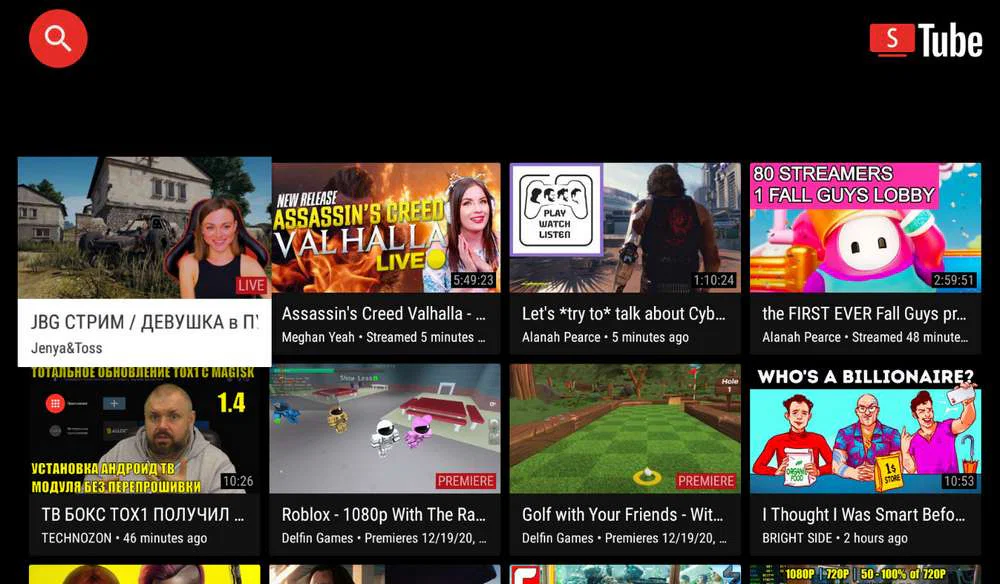
SmartTube, one of the most widely used unofficial YouTube clients for Android TV and Google TV, is now under scrutiny after a critical security discovery. Google Play Protect has started blocking the app, flagging it as potentially malicious software with the ability to compromise devices or exfiltrate sensitive data. The developer has now verified that Google’s detection was not a false positive.
SmartTube’s developer, known online as Yuriy L, confirmed that his app’s signing key had been compromised. The digital signature, normally used to verify that updates are legitimate, was taken by an unknown party. As a result, any future updates using that key can no longer be trusted, since attackers could distribute altered versions of the app under his name.
To address the issue, Yuriy L decided to retire the compromised signing key and generate a new one. This was the safest course of action, but it required a change to the app’s identifier. As a result, the original version of SmartTube will no longer receive updates or ongoing support.
What Was in the Compromised Build?
A third-party analysis of the flagged SmartTube release (version 30.51) uncovered the root cause of the alerts. The compromised APK contained a hidden library named libalphasdk.so.
This library was engineered to perform several malicious actions:
- Silent Communication: It contacted a third-party server every time SmartTube was launched.
- Data Harvesting: It collected extensive device information, including the Android version, network operator, network type (Wi-Fi or mobile data), and more.
- Remote Control: It created a backdoor, allowing the app to receive and execute further instructions from the internet without any user consent or visibility.
How Did This Happen?
According to the developer, the chain of compromise began on his own system. The computer used to compile the APK files before uploading them to GitHub was infected with malware. This infection likely allowed cybercriminals to steal his digital signature and potentially inject the malicious library into the build process. This explains why Google Play Protect and other anti-malware services began flagging specific SmartTube versions.
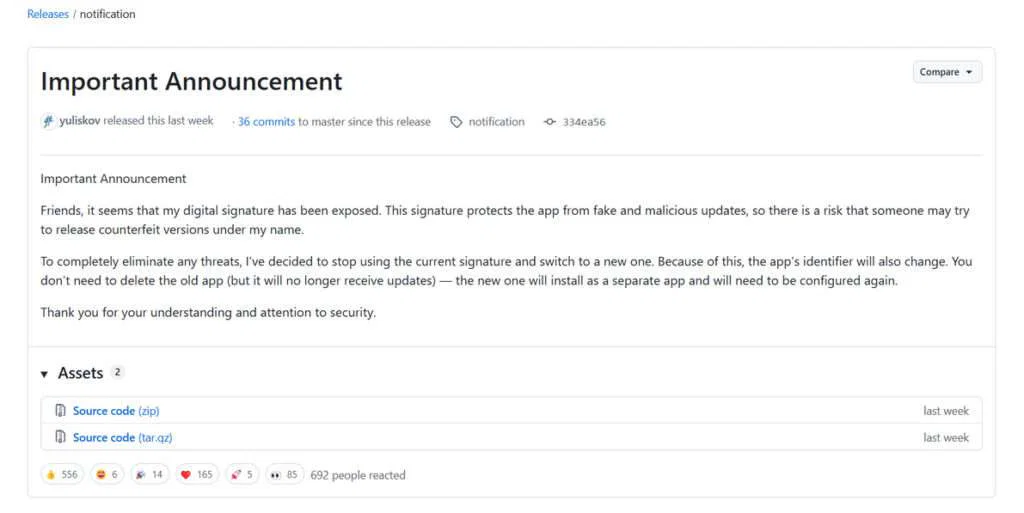
The infected PC has since been wiped clean. The new builds, signed with the fresh, secure digital signature, are considered safe again.
What Users Must Do Immediately
The directive for users is clear and urgent:
- Uninstall the old SmartTube app from your Android TV/Google TV device immediately.
- Download and install the new version from the official GitHub repository. Only builds signed with the new signature are safe.
- Don’t ignore warnings. If your device or security software flagged SmartTube, it was likely detecting the compromised version.
Users who installed a malicious version are essentially on their own. The old app is abandoned and poses an ongoing risk if left installed.
The incident reminds the risks associated with app development and the sideloading ecosystem. It also comes shortly after Google introduced stricter requirements, including centralized developer verification, making sideloading apps outside the Play Store more restrictive.
The breach shows a fundamental limitation in Google’s sideloading security method. If a signing key is compromised, centralized verification cannot prevent malicious updates from being distributed. This raises concerns about how effective the recent policy changes truly are.
At the end of it all, the responsibility circles back to the user to pay attention, choose trusted sources, and not ignore the warnings when they appear.
Maybe you would like other interesting articles?