
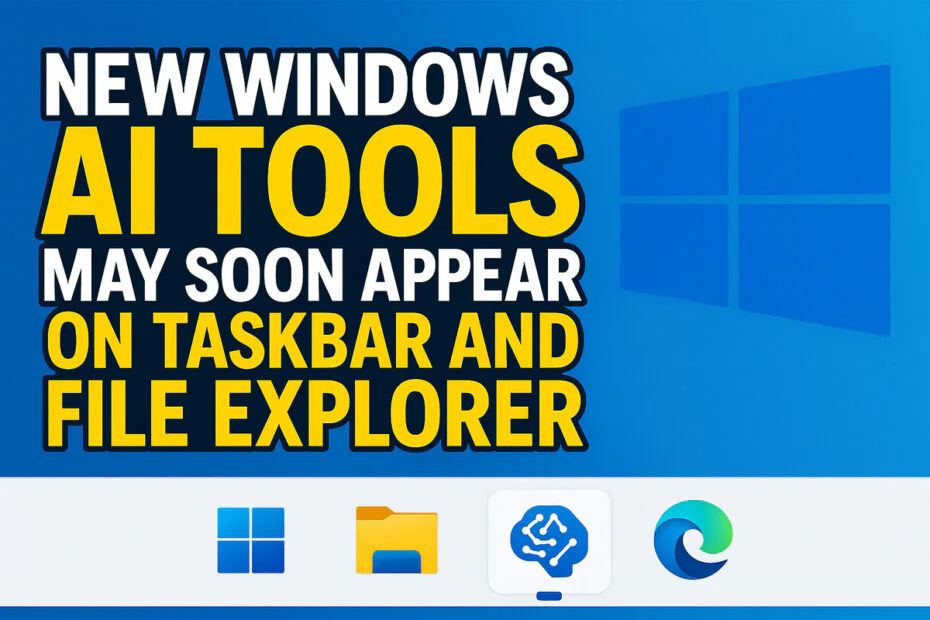
Microsoft’s newest Windows experiment suggests a different approach to bringing generative AI into the system. Instead of building standalone apps or redesigning the interface, the company plans to place lightweight, conversational AI tools in everyday areas such as the taskbar and File Explorer.
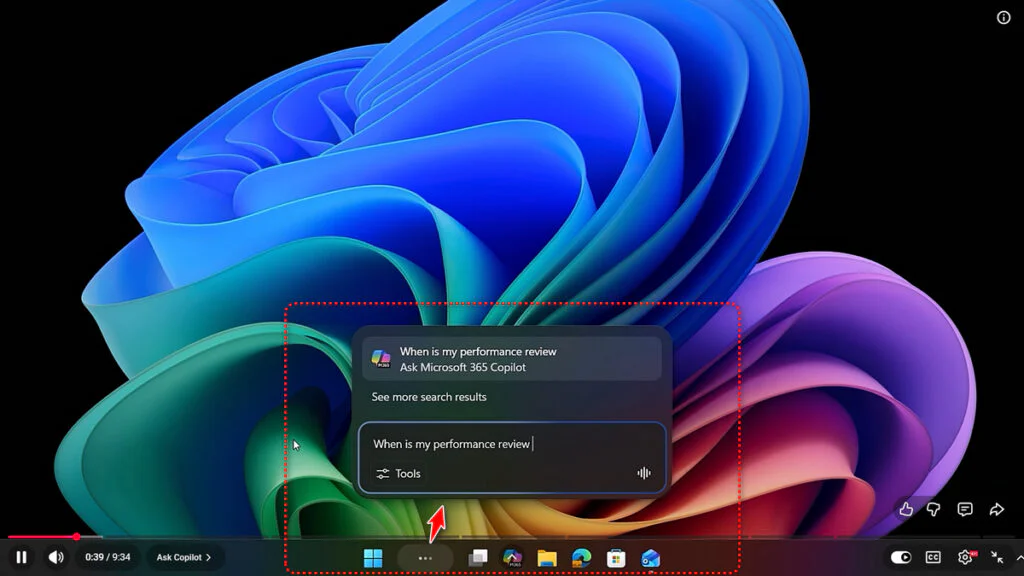
Everything revolves around a feature called “Ask Copilot.” With it, the familiar Windows search bar takes on a new role, becoming a doorway to Microsoft 365’s AI. Turn it on, and the old search disappears, replaced by “@” commands that feel less like system prompts and more like calling out to someone in a chat.
As an example, entering “@researcher” could activate a specialized AI agent designed to handle longer-running tasks, such as collecting background details or summarizing complex technical content. Certain tasks may last 10 minutes or longer, with real-time progress shown in the taskbar, similar to Windows’ standard download notifications.
It looks like Microsoft never really abandoned its bigger AI plans for Windows, even if it sounded that way for a while. Instead of bombarding users with pop-ups or separate AI apps, it’s quietly building those tools into the tasks people already do every day.
Beyond the taskbar, Windows 11’s File Explorer is also receiving Copilot integration. A new in-app button enables users to generate summaries and extract key insights without navigating away from their files. Powered by Microsoft 365’s connected services, the feature provides quick context on shared documents and synced projects, reducing the need to switch between apps.
Maybe you would like other interesting articles?