
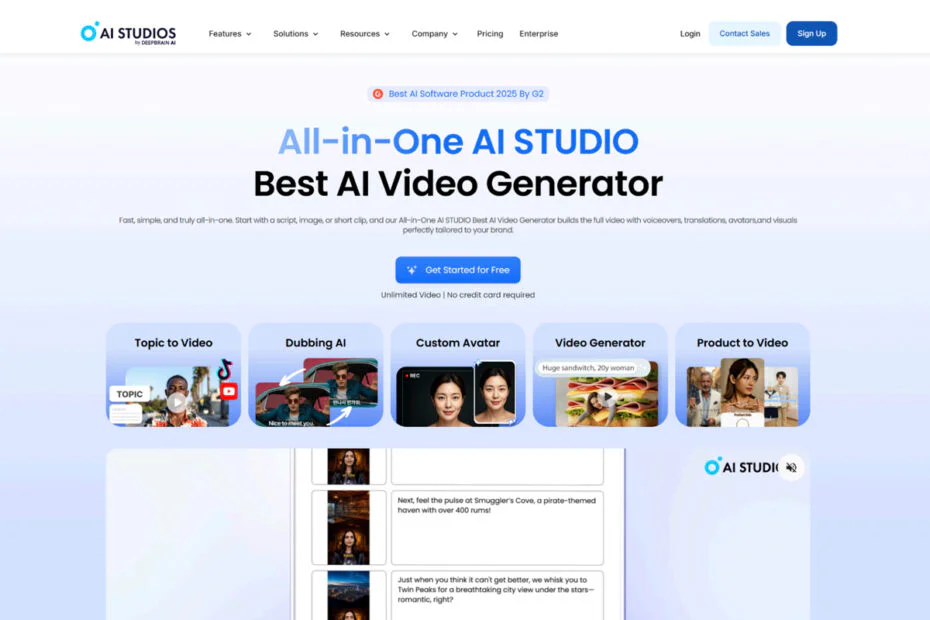
Video content has become one of the most powerful tools for businesses and creators. But producing high-quality videos consistently, without a large budget or technical team, remains a challenge for most. AI Studios by DeepBrain AI is designed to remove those barriers entirely.
Table of Contents
- What Is AI Studios?
- Key Features That Set AI Studios Apart
- How to Get Started with AI Studios
- Who Should Use AI Studios?
- FAQ
What Is AI Studios?
AI Studios is a cloud-based AI video creation platform developed by DeepBrain AI. It allows anyone, from solo creators to enterprise teams, to produce professional-quality videos without cameras, actors, or editing software.
The core concept is simple: type your script, select an AI avatar, choose a voice, and generate a polished video in minutes. AI Studios handles the rest, lip-syncing, subtitles, voiceovers, and branded visuals, all automatically.
What makes AI Studios different from other tools is its combination of broadcast-grade avatar realism, multilingual capabilities, and interactive video features, all in one platform. Large enterprises across finance, education, retail, media, and the public sector already deploy the platform.
Key Features That Set AI Studios Apart
1. Custom AI Avatars
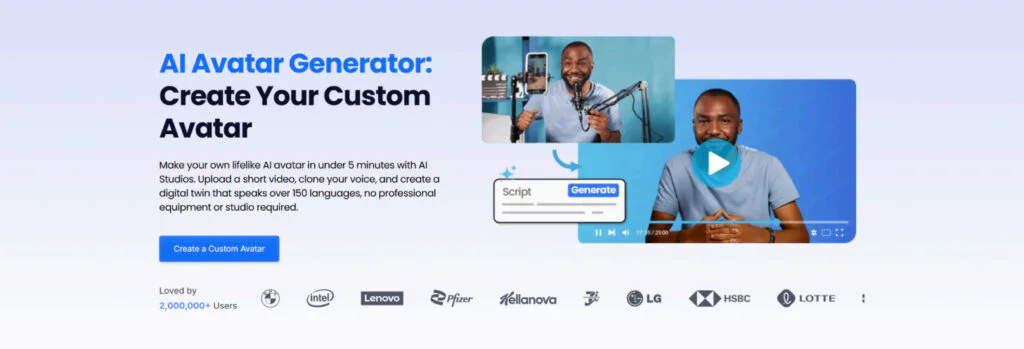
AI Studios offers a library of hundreds of ready-to-use AI avatars based on real human models across different ethnicities, ages, and professions. These are not cartoonish animations; they are realistic digital humans with natural facial expressions, gestures, and accurate lip-sync.
For businesses that want a branded identity, the Custom Avatar feature allows you to upload a short video of a real person and generate a high-fidelity digital twin. Once created, the avatar can produce unlimited video content without any additional filming. A CEO, instructor, or news anchor can be digitized once and reused across hundreds of videos, with zero additional production cost.
2. Interactive Avatar
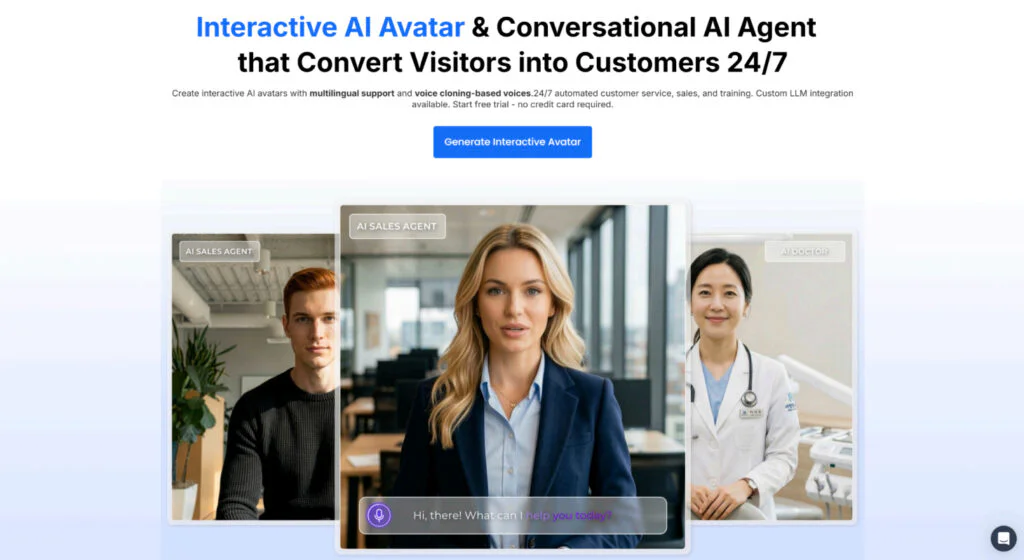
AI Studios goes beyond pre-recorded video with Interactive Avatar, an AI-powered digital human that can hold real-time conversations with users via a microphone or chat.
Responses are LLM-quality: natural, contextually aware, and delivered by a lifelike avatar that maintains eye contact and realistic expressions. The avatar can be connected to custom knowledge bases, product FAQs, internal policies, or training materials, so it answers questions specific to your organization rather than giving generic responses.
Deployment options include kiosk integration, website embedding, and app integration, making it suitable for customer service, HR onboarding, retail guidance, and more.
3. AI Dubbing and Multilingual Support
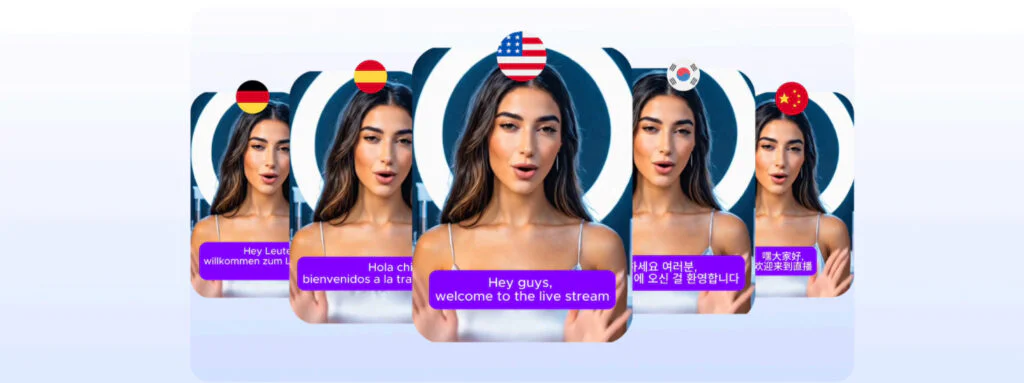
AI Studios supports over 150 languages and can automatically translate and dub any existing video, with accurate lip-sync matching and voice cloning that preserves the original speaker’s tone and delivery style.
What traditionally required translators, voice actors, and studio recording can now be done in minutes. A single video produced in English can be instantly adapted for Spanish, Korean, Hindi, French, or any of 150+ supported languages, significantly expanding content reach without additional production costs.
4. Training Video and SCORM Export
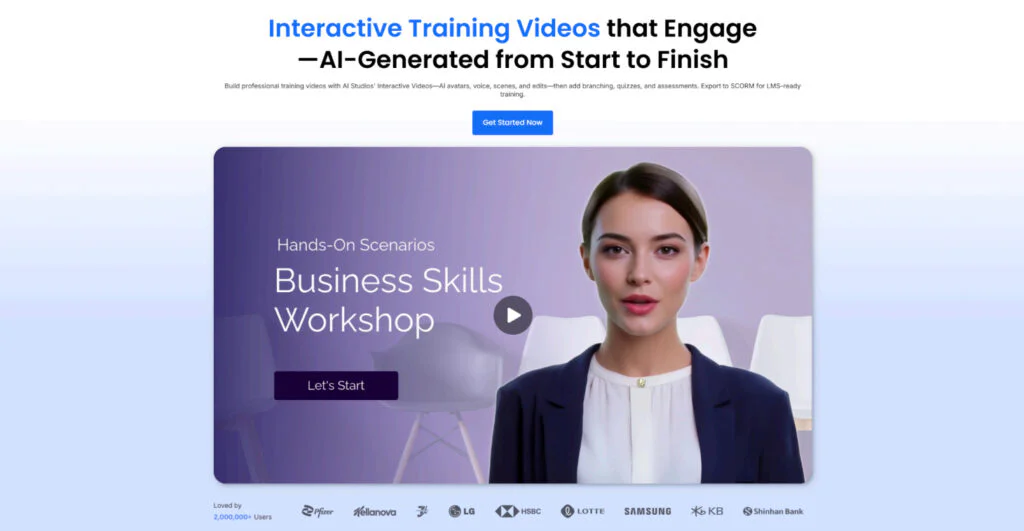
For corporate training and e-learning, AI Studios offers a complete workflow: upload a PowerPoint or document, and the platform automatically converts it into an interactive training video with branching scenarios, quiz checkpoints, and SCORM export for direct integration with learning management systems such as Moodle, Cornerstone, and SAP SuccessFactors.
When content needs updating, simply edit the text and regenerate; no re-recording is required. Combined with AI Dubbing, global teams can be onboarded in their native language at scale.
5. AI Video Generation from Text Prompts
AI Studios integrates leading generative video models, including Kling, Veo, and Nano Banana, allowing users to generate cinematic video footage directly from text prompts. Creators can compare outputs across models in one platform without any API setup or technical configuration, and combine AI-generated footage with avatar presenters for polished hybrid-format videos.
How to Get Started with AI Studios
Getting started is straightforward:
- Sign up for a free account at aistudios.com
- Choose a template or start from a blank project
- Select an AI avatar and voice from the library
- Write or paste your script or let the AI generate one
- Customize the scene – add your logo, background, images, or video clips
- Preview the lip-sync and voice delivery
- Click Generate – your video renders in minutes
- Export or share directly to social platforms
The entire process, from script to finished video, typically takes under 15 minutes.
Who Should Use AI Studios?
AI Studios is built for virtually any industry that relies on video communication. Here are the key sectors where it delivers the most immediate impact.
Education – Online Courses and Corporate Training
Educators and L&D teams can convert existing course materials, onboarding documents, or compliance guides into interactive training videos in minutes. With branching scenarios and quiz checkpoints built in, learners receive a more engaging experience than passive video watching.
Updates are simple: edit the text and regenerate. No re-recording, no scheduling, no production budget required. For organizations running global training programs, AI Dubbing allows the same content to be delivered in 150+ languages, onboarding teams across regions without additional localization costs.
News – AI Anchors and Automated News Production
Media organizations can use Custom Avatar to digitize news anchors and automate video news production at scale. A script can be turned into a fully produced news segment in minutes, with a realistic AI anchor delivering the content in any language.
This significantly reduces production overhead for newsrooms that need to publish frequently across multiple platforms and regions.
Consulting and Customer Support – AI-Powered Advisors
Interactive Avatar enables businesses to deploy AI-powered advisors that can handle customer inquiries, guide users through products or services, and provide 24/7 support, without scaling headcount.
Connected to a custom knowledge base, the AI advisor can answer specific questions about your products, policies, or services in real time. For financial services, legal consulting, or healthcare, this creates a scalable first-response layer that reduces operational costs while maintaining a high-quality user experience.
Kiosk – Unmanned Information and Guidance Systems
AI Studios is well-suited for kiosk deployments in retail stores, airports, hotels, hospitals, and public institutions. An Interactive Avatar embedded in a kiosk can greet visitors, answer questions, provide directions, and guide purchase decisions – all without human staffing.
Combined with a Custom Avatar based on a real brand spokesperson, the kiosk becomes a branded, consistent experience that scales across locations.
Live Commerce – AI Shophosts and Product Demonstrations
For e-commerce brands and live commerce platforms, AI Studios enables the creation of AI-powered product demonstration videos that present products and showcase features in a compelling, consistent format, in any language.
The Product to Video feature allows brands to generate promotional videos from a product page URL alone. This makes it possible to produce hundreds of product videos for Amazon, Shopify, TikTok, or live commerce platforms in the time it would traditionally take to film one, with consistent branding and delivery across every video.
FAQ
Is AI Studios free to use? Yes. AI Studios offers a free plan that allows users to create videos and test core features before committing to a paid plan.
Do I need video editing skills to use AI Studios? No. AI Studios is designed for non-technical users. The entire workflow, from script to finished video, requires no editing software or production experience.
How long does it take to generate a video? Most videos render within a few minutes after clicking Generate, depending on length and complexity.
Can AI Studios dub existing videos into other languages? Yes. AI Studios supports automatic dubbing into 150+ languages with lip-sync matching and voice cloning that preserves the original speaker’s tone.
Is AI Studios suitable for enterprise use? Yes. AI Studios offers enterprise-grade features, including custom avatars, SCORM export for LMS integration, SAML SSO, and scalable production workflows for large organizations.
Maybe you would like other interesting articles?