
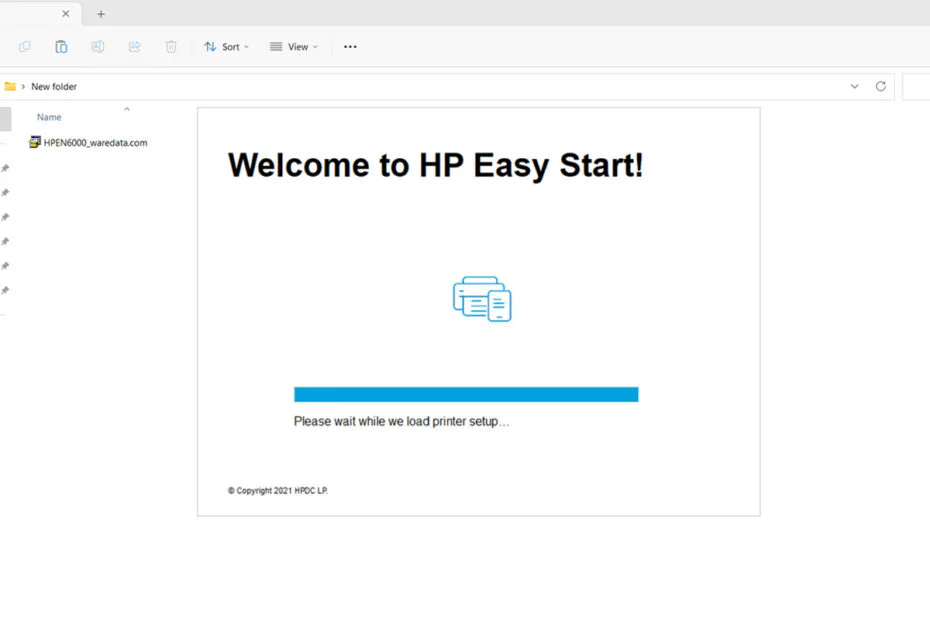
If you own an HP Envy 6000 series printer, installing the correct driver is one of the most important steps to ensure reliable printing and scanning. Whether you’re setting up a new printer or troubleshooting an existing one, the right driver helps your computer communicate properly with the printer.
Here we will share with you the original driver software that you can use to install drivers on the HP Envy 6000 printer offline, so you don’t need an internet connection to do the installation.
Table of Contents
- What Is the HP Envy 6000 Printer Driver?
- How to Install HP Envy 6000 Printer Driver
- HP Envy 6000 Printer Driver Download
What Is HP Envy 6000 Printer Driver?
A printer driver is software that allows your computer to send print jobs and commands to your printer. Without the correct driver, you may experience issues such as:
- Printer not detected
- “Driver unavailable” errors
- Missing scan functionality
- Limited printing features
How to Install HP Envy 6000 Printer Driver
1. Before you start installing HP Envy 6000 Printer Driver, you can download the driver software first through the link below this article.
2. Double-click on the driver software file that you have downloaded.
3. Make sure your HP Envy 6000 printer is turned on, then continue the installation following the instructions that appear on your computer screen.
4. After you install the driver software, it’s recommended to restart your computer so the driver software is installed properly.
HP Envy 6000 Printer Driver Download
For those of you who need the HP Envy 6000 Printer Driver, especially for printing and scanning functions that can be installed offline, you can download the driver software through the following links.
File Size: 195MB
File Type: .EXE
Maybe you’d like some other interesting articles?