
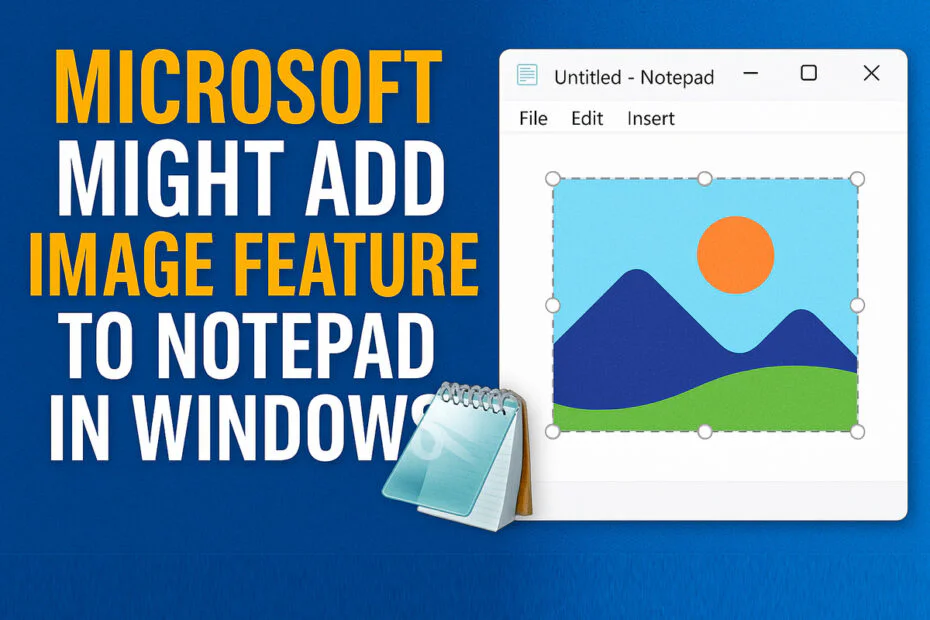
It feels like Microsoft just can’t stop tweaking Windows Notepad. The simple little text editor people loved for being basic may be gone. Now there’s a “new” version packed with extras that plenty of users never really asked for.
Unnamed sources referenced by Windows Latest indicate that Microsoft is working on a new “advanced” feature for Notepad, including support for inserting images into text-based files.
Sources indicate that Microsoft’s Redmond-based development team has been validating image support within internal Notepad builds, observing minimal performance impact. The functionality appears to extend the Markdown framework added in 2025, further broadening the app’s formatting capabilities.
Early evidence of the addition has surfaced in preview builds of Windows. Notepad updates released to members of the Windows Insider program include a visible “Image” button in the “What’s New” section. The feature is not active yet, but is expected to roll out in the near future.
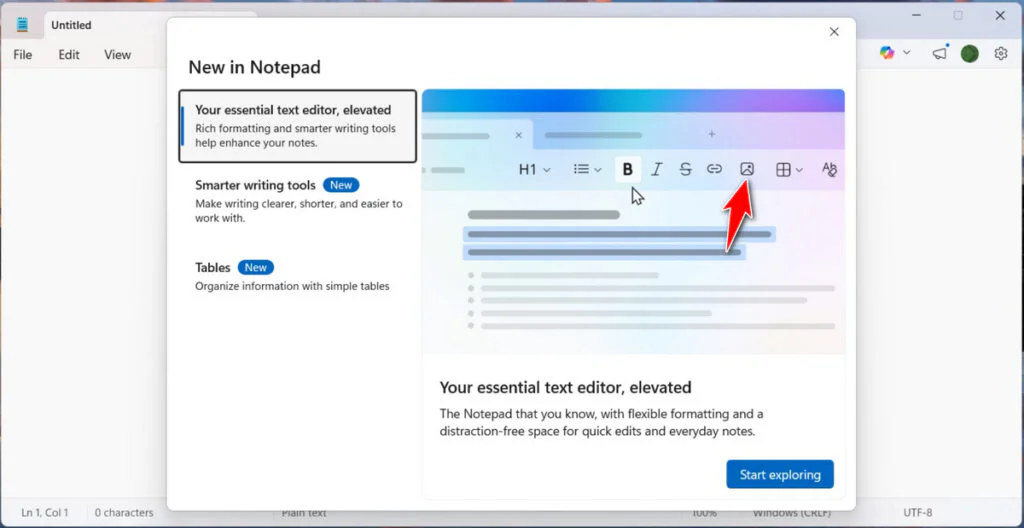
Sources indicate that Microsoft will make image support an optional feature that can be disabled in Notepad’s settings menu. The update is being presented as a way to add flexibility and improve general note-taking tasks.
This is all part of Microsoft’s bigger plan to give Notepad a more “upgraded” identity. It now comes with richer formatting and AI writing help through Microsoft Copilot. On top of that, it can handle tables too.
The redesigned Notepad has effectively replaced WordPad as the default rich-text editor in Windows 11. Microsoft retired WordPad in 2024, bringing an end to a program that dated back to Windows 95. Users who prefer a basic but capable document editor can either install alternatives such as LibreOffice or adapt to the Markdown-based workflow now emphasized in Notepad.
Even with all these upgrades, plenty of users aren’t impressed. For some, Notepad has become a symbol of what they think is going wrong with Windows 11. They argue that Microsoft is busy showing off AI tricks and fancy formatting while bigger stability and security problems still need attention.
Adding more features has also opened the door to new security risks. Microsoft recently had to fix a remote code execution bug in Notepad, something you wouldn’t expect from a basic text app. It’s a reminder that once simple tools start connecting to more services, the stakes change. That’s why some users are still uneasy about trading simplicity for extra features.
Maybe you would like other interesting articles?