
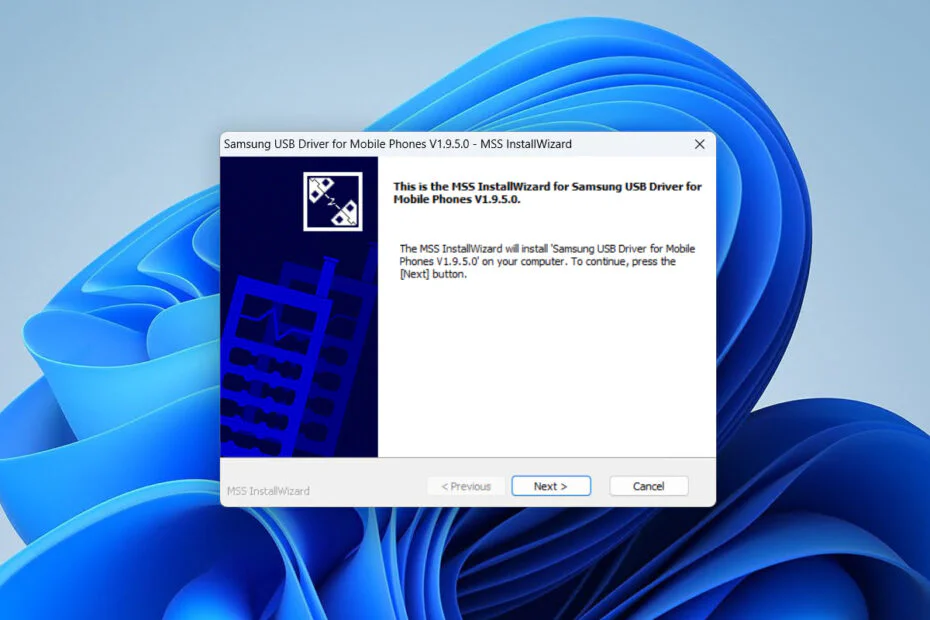
SAMSUNG USB Driver for Mobile Phones is the official Samsung driver that lets Windows recognize and communicate with Samsung phones via a USB cable. Its functions include:
- Detecting a phone on Windows when connected via USB.
- File transfer (MTP) between your phone and computer.
- USB debugging (ADB) for developers or apps like scrcpy, Android Studio, and ADB commands.
- Download/Odin mode for flashing firmware using Odin.
- Helps troubleshoot connection issues if Windows fails to recognize the device properly.
Is it necessary to install it?
Not always necessary if just to transfer photos or files, because Windows 10/11 often already has built-in MTP drivers. But highly recommended if you want to use scrcpy, ADB, or Odin, or if your phone isn’t being detected properly.
If you’re a Developer trying out the USB debugging feature in Android’s ‘Developer Mode’, and you’ve already enabled USB debugging but Windows still doesn’t detect your device, then installing the Samsung USB Driver is a step worth trying. This driver often fixes ADB issues where it can’t find the device.
To install the SAMSUNG USB Driver for Mobile Phones, just connect your Samsung device to Windows, then after you’ve downloaded the driver software, simply double-click on the driver software and wait for the driver installation to finish.
After installation:
- Unplug the USB cable.
- Restart the computer (recommended).
- Reconnect your phone.
- Select the File Transfer / MTP mode in the USB notification.
- Try running adb devices again
If you are having issues between your Samsung device and Windows, it doesn’t harm to try installing the SAMSUNG USB Driver for Mobile Phones. For those of you who need the SAMSUNG USB Driver for Mobile Phones, you can download it through several links we provide below.
Maybe you’d like some other interesting articles?