
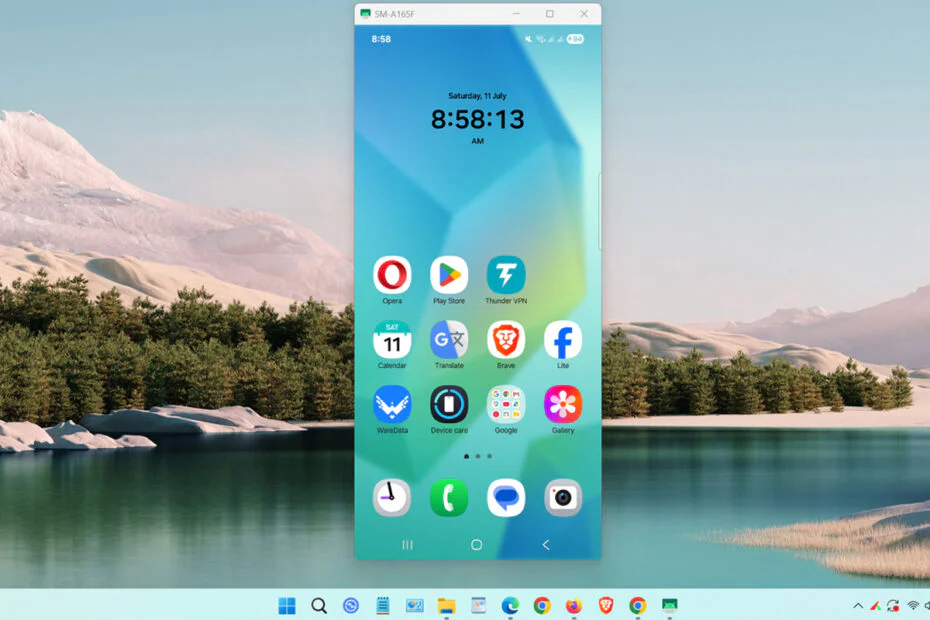
Scrcpy is a program made to be able to mirror the Android screen to a computer screen. This program is free but very powerful; it can mirror your Android using a USB cable and can also use WiFi through a TCP/IP connection.
What’s even better is that this program is pretty simple and also completely ad-free, so we can use it easily and without any limits.
How to use Scrcpy?
1. Enable developer mode on your Android smartphone. Usually, this is done by tapping the ‘Build number‘ about 5-7 times in the ‘About Phone‘ section in the Android settings.
2. After that, connect the USB cable from your smartphone to your computer’s USB port. If a pop-up appears on your smartphone screen, allow it and choose file transfer mode.
3. Download the Scrcpy program through the link below this article.
4. Extract the program so it’s in a scrcpy folder.
5. Open the scrcpy folder from the extraction earlier, then run the file named “scrcpy.exe” by double-clicking it.
6. If all the steps are correct, you should be able to mirror your Android screen to your PC this way.
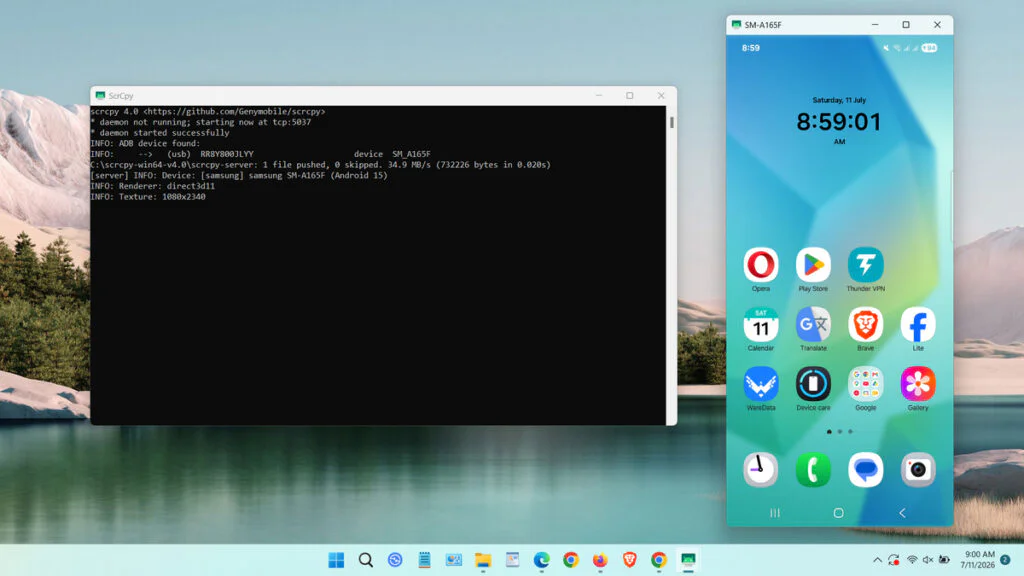
Scrcpy Download
Scrcpy is always updated by its developers. Here, we will share the Scrcpy 4.0 version that we managed to test. Besides that, we also provide a download link to Scrcpy on the developer’s page so you can try the newest version and other versions.
To download Scrcpy, you can click the button below.
Maybe you’d like some other interesting articles?