
Microsoft has published new Windows 11 Insider Preview builds across the Canary, Dev, and Beta rings, targeting developers and advanced users with incremental enhancements. Canary build 29558.1000 leads the changes, delivering a broad refresh of the legacy Command Prompt with modern functionality sourced from the open-source Windows Terminal.
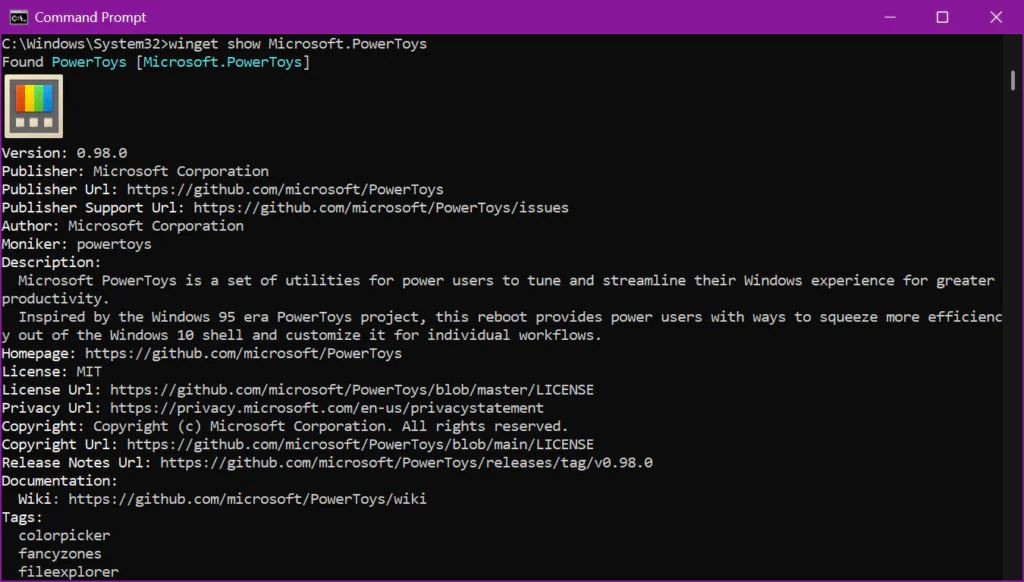
The changes introduce inline graphics rendering with Sixel image support. This allows advanced command-line utilities such as Windows Package Manager (WinGet) to surface app icons and other visual assets within the console interface.
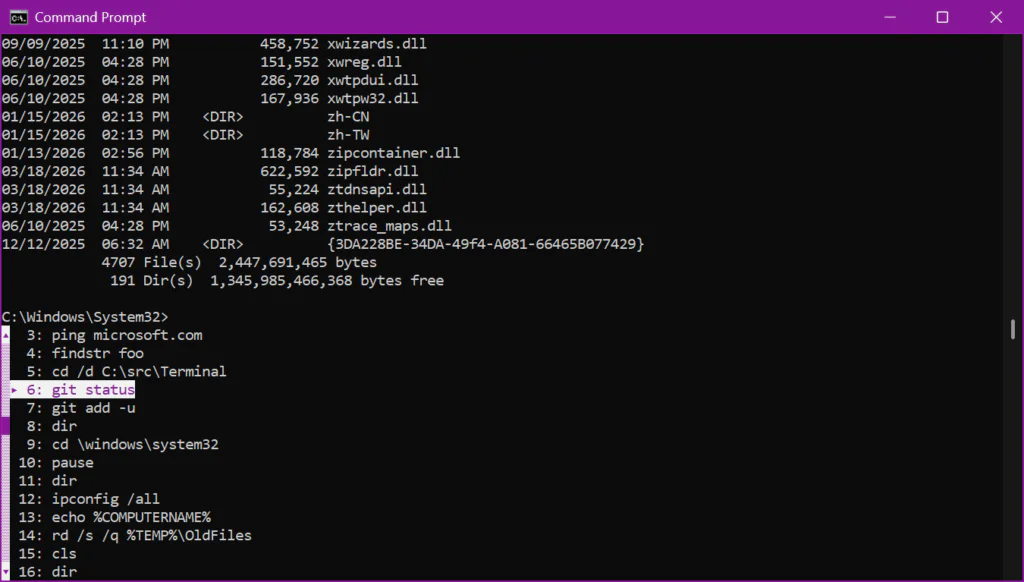
Microsoft is also boosting performance in the legacy host, claiming scrolling can be up to 10× faster in select scenarios. The build additionally introduces an optional Atlas/Direct3D rendering path that can be activated via a registry key.
Another improvement focuses on clipboard reliability. Microsoft fixed a bug that could delete pasted characters due to code page limitations, added OSC 52 copy support to conhost, and addressed an issue that could mistranslate Codepage 936 text when using Alt+Numpad input.
The update enhances the Find dialog with regular expression support, helping users work through complex output more easily. It also improves text rendering by adding support for bold fonts in the original rendering engine.
Microsoft is also updating accessibility components, rewriting legacy MSAA integration and portions of UI Automation support. The changes enhance compatibility with screen readers, magnifiers, speech-to-text tools, learning aids, and other assistive technologies.
While developers and power users benefit directly, improvements to the underlying subsystem also help organizations that still rely on older scripts and deployment tools.
Maybe you would like other interesting articles?