
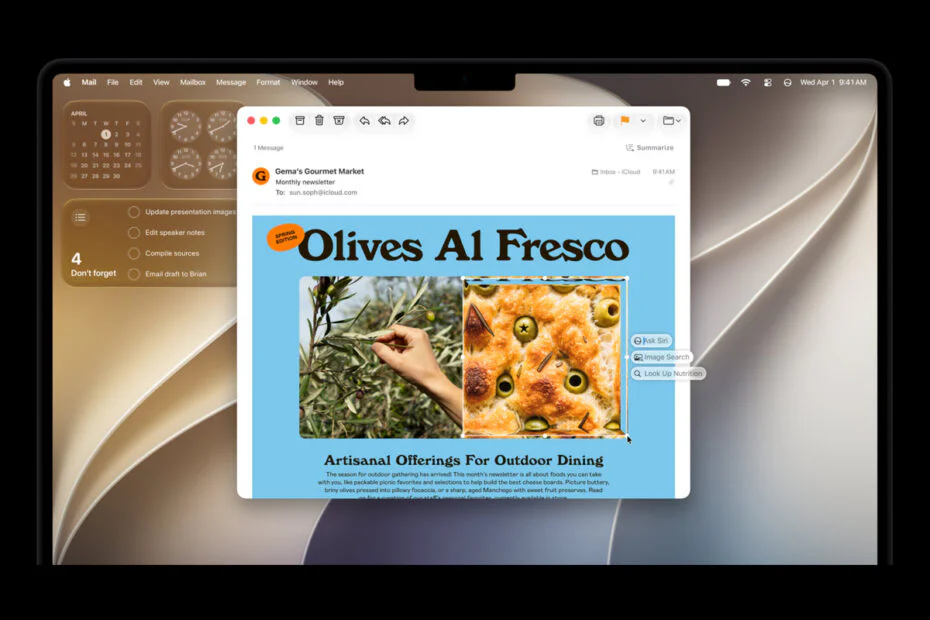
Apple has released the first public betas of its 2027 software lineup, giving early adopters a chance to test upcoming features before the official launch. iOS 27, iPadOS 27, macOS 27 Golden Gate, and watchOS 27 are now available for compatible devices.
The biggest upgrade is the new Siri AI, which now supports natural conversations, follow-up questions, on-screen awareness, and multi-step actions across apps. Newer Apple devices also allow users to customize Siri’s voice, and a dedicated Siri app stores conversation history.
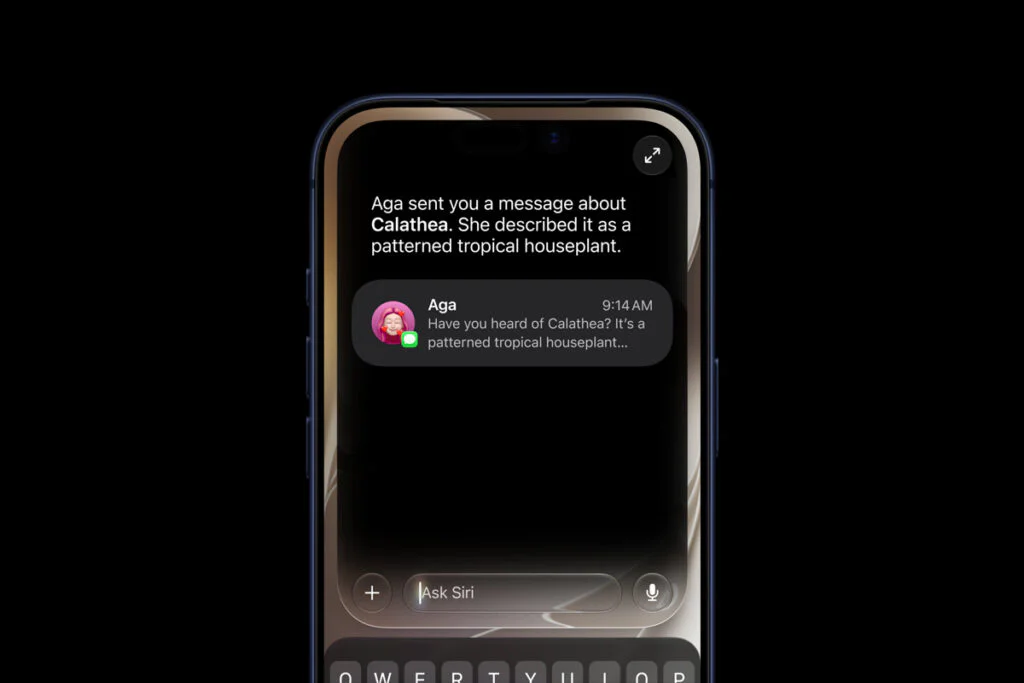
The new Siri AI is included in the public beta for devices that support Apple Intelligence. However, access may not be immediate, as Apple previously used a waitlist during the developer beta phase. At launch, Siri AI supports only English and will not be available in the European Union.
Apple Intelligence introduces several AI features outside of Siri. In Photos, Spatial Reframing allows users to change the composition of an image after it has been taken. The Extend tool can enlarge an image beyond its original borders, while the updated Clean Up feature offers more effective object removal. Image Playground has also been upgraded to generate higher-quality images, including photorealistic results.

Even users with little interest in AI may find iOS 27 appealing for a different reason: performance. Apple says the update delivers better speed gains, with apps launching up to 30% faster, newly taken photos appearing in the Photos app up to 70% faster, and AirDrop transfers completing up to 80% faster. While those figures remain Apple’s own claims, early developer beta users have already reported a snappier overall experience.
Apple has also introduced several productivity-focused updates across its apps. Safari can now automatically organize open tabs into groups, helping users manage busy browsing sessions. A new Notify Me feature tracks webpages for price drops and restocks. Meanwhile, the Passwords app can identify weak credentials and replace them automatically, while the Shortcuts app lets users build automations simply by describing what they want in plain language.
iOS 27 and Apple’s other upcoming operating systems include updates to the Liquid Glass design introduced last year. Apple has improved readability and added a slider so users can adjust the intensity of the visual effect. The iOS 27 beta also enables access to the AirPods public beta, which introduces a custom equalizer, an adaptive audio slider, and a new settings interface.
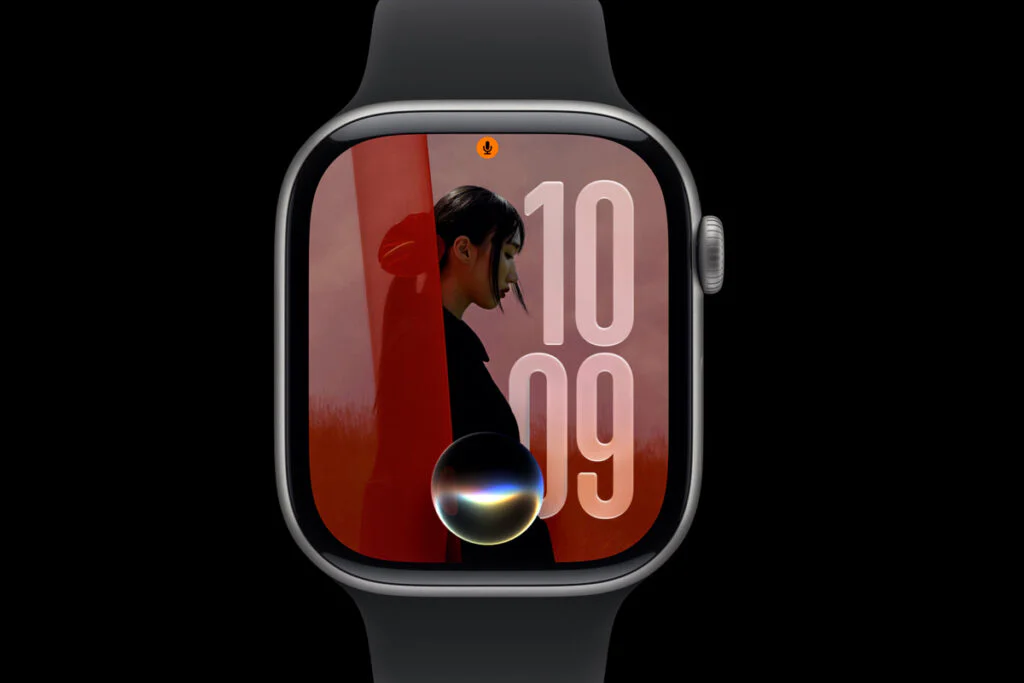
The new Siri AI is also coming to the Apple Watch, where it can answer questions while users are exercising or on the go. watchOS 27 includes a Dynamic App Grid that prioritizes frequently used apps. A new single-tap gesture opens Smart Stack widgets for more information, while the double-tap gesture continues to support scrolling. The update also adds menopause and perimenopause tracking, and enhances Workout Buddy with more workout insights, standalone functionality without an iPhone nearby, and Spanish-language support.
iPadOS 27 largely mirrors the iOS 27 feature set, with limited tablet-specific enhancements this year. One exception is deeper integration between Visual Intelligence and the Apple Pencil, enabling users to highlight on-screen content by circling it in a screenshot for AI-powered analysis. Apple has also optimized external storage performance, claiming transfers between the iPad and SSDs are up to five times faster and now match Finder-level speeds on the Mac.
These public betas are still early versions of the software, so bugs, battery life issues, and other problems are to be expected. Apple asks beta testers to use the Feedback app to report issues and help improve the software before the final release. Users looking for a more stable experience may prefer to wait for the second or third public beta.
Users installing Apple‘s beta software for the first time will need to register for the Apple Beta Software Program before getting started. After enrolling, open Settings > General > Software Update, then select the 27 Public Beta under the Beta Updates section for your device.
Maybe you’d like some other interesting articles?