
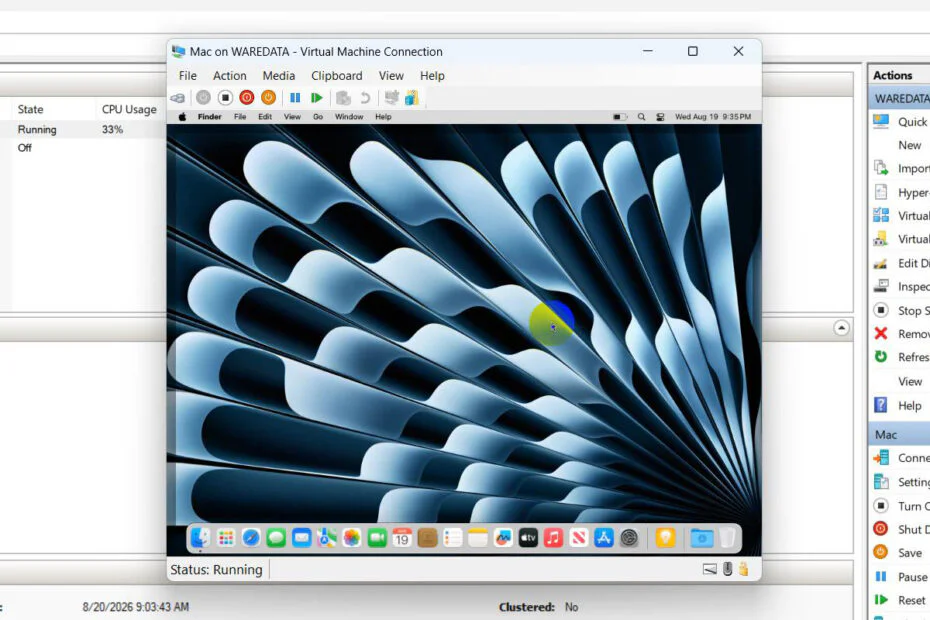
MacOS Sequoia for Hyper-V is a bootable file that we specifically created to be used to install macOS Sequoia on Hyper-V Windows operating system. By using the MacOS Sequoia for Hyper-V bootable file, it will make it easier to install macOS Sequoia on Hyper-V.
As we know, installing macOS on a virtual machine like Hyper-V is very difficult to do, especially if the host operating system we are using is Windows, so doing the installation requires precision, patience, and a long process. Therefore, the bootable file we created will slightly shorten that time, particularly in terms of configuration.
So, how to use this MacOS Sequoia bootable file for Hyper-V? For a guide on using and installing macOS Sequoia on Hyper-V Windows, we have provided it in the form of a video that you can watch as follows.
For Windows users who want to run macOS Sequoia on a Hyper-V Virtual Machine, you can try installing it with the bootable file we created. To download the macOS Sequoia Hyper-V bootable file, you can click the following link.
File Size: 1.06GB
File Type: .ZIP
macOS Version: Sequoia
Maybe you would like other interesting articles?
Not working, setup stuck on country select
What kind of stuck? Can’t you select the country?
Yes it stuck on continue