
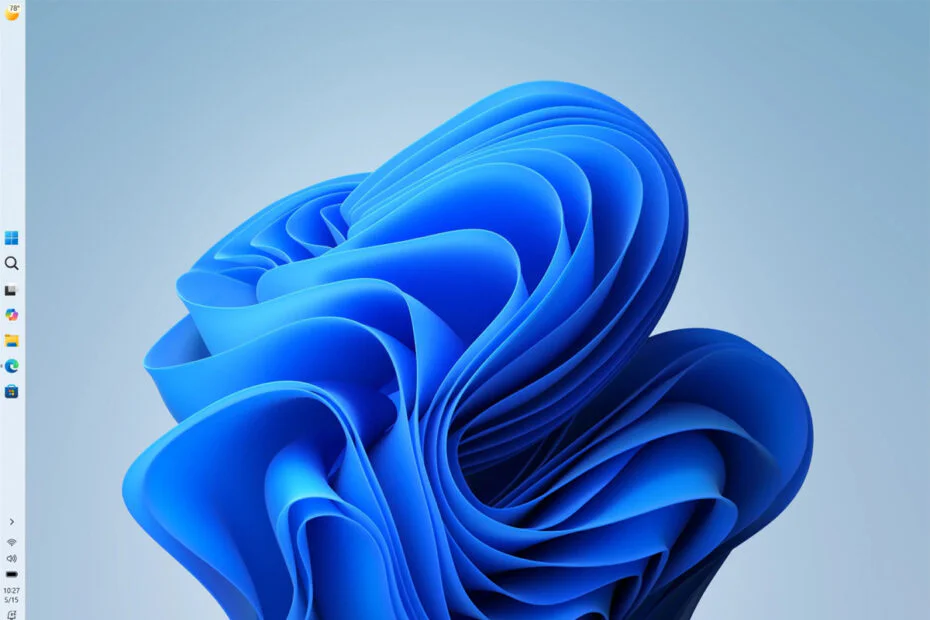
Microsoft has rolled out Windows 11 Insider Preview Build 26220.9022 for Beta Channel testers, introducing two long-requested taskbar upgrades along with a minor improvement to text input. Users can now move the taskbar to any side of the screen, while a new optional compact mode reduces its size to free up more display space.
Taskbar can now sit on the left, right, or top
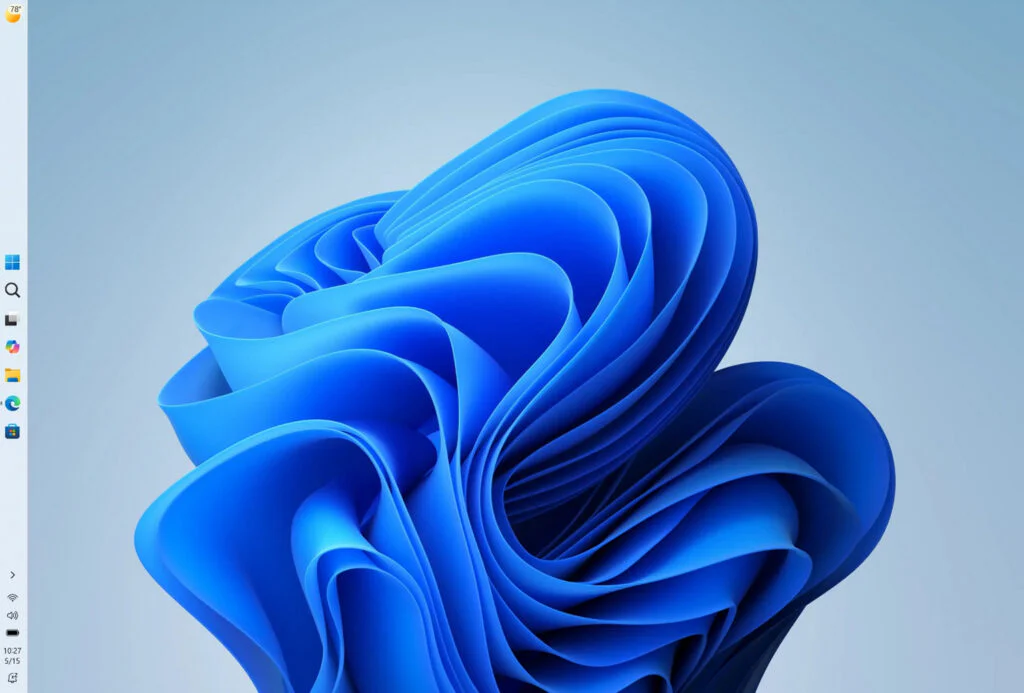
The biggest addition is something Windows users have wanted for a long time – users can finally move the taskbar wherever they like. Just head to Settings > Personalization > Taskbar > Taskbar behaviors and choose the top, bottom, left, or right side of the screen. Things like tooltips, flyouts, and animations follow the taskbar automatically, and options like “never combine taskbar icons” still work as expected.
Microsoft acknowledges that not every taskbar feature supports the new layouts yet. Touch gestures, the Search box, and Ask Copilot are currently unavailable when the taskbar is placed on the left or right. Auto-hidden and touch-optimized taskbar modes are also not supported, and the compact taskbar option only works when the taskbar is at the top or bottom.
A compact taskbar for maximum screen
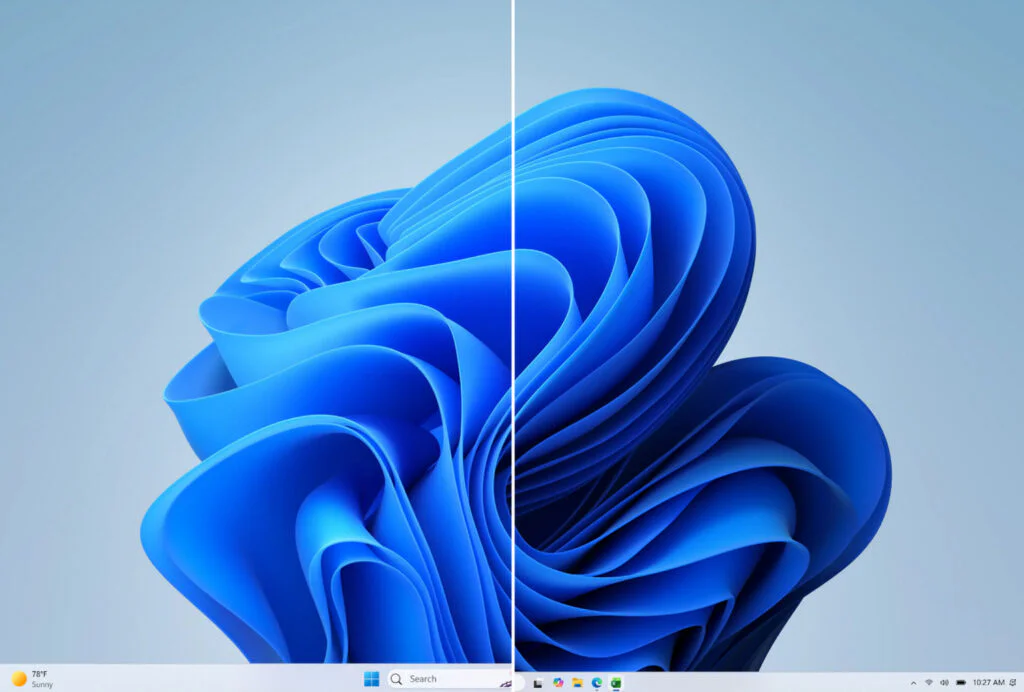
In addition to letting users move the taskbar, Build 26220.9022 introduces a compact taskbar mode. The option reduces the height of the taskbar and the size of its icons, giving users a little more vertical screen space. The Start button, Search, and system tray are resized to match the new layout.
The setting can be found under Settings > Personalization > Taskbar > Taskbar behaviors, where a new Taskbar size menu allows users to switch between the standard layout and a smaller version. Those who prefer the existing design can simply leave the default option selected.
Bluetooth quick settings now work with a gamepad
Build 26220.9022 also adds support for navigating the Bluetooth quick settings flyout with a gamepad. Microsoft didn’t share additional details, but the change should make connecting and managing Bluetooth devices more convenient for controller users.
Since the update is part of the Beta Channel, the new features are still being tested. Microsoft may adjust or refine them based on feedback from Insider users before making them available in the public release.
Maybe you would like other interesting articles?