
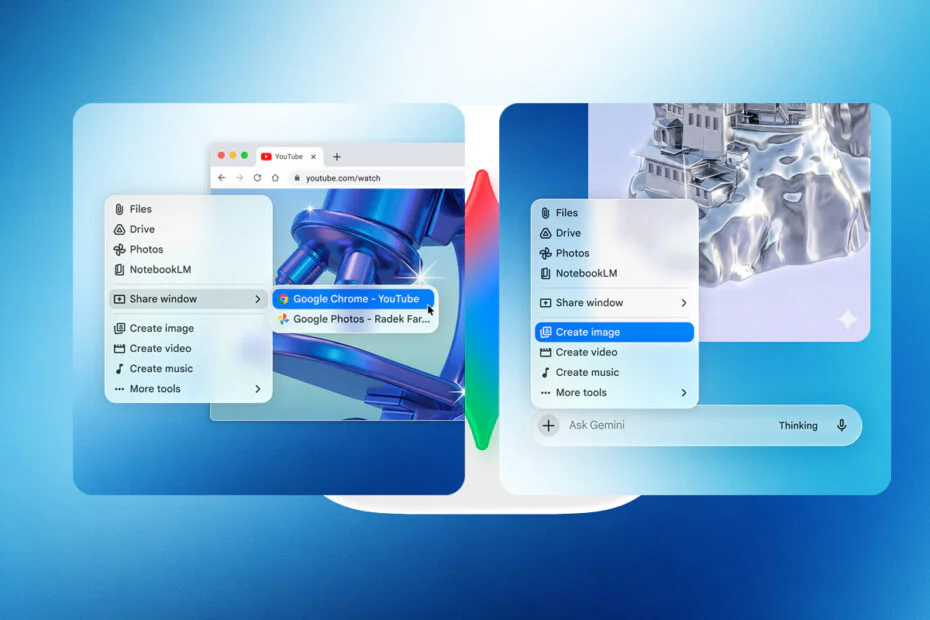
Google is pushing Gemini beyond its first-party ecosystem, targeting desktop adoption across platforms. A native Windows client debuted Tuesday, with a macOS release following shortly after.
Google describes the macOS Gemini app as a native desktop experience with built-in keyboard shortcuts. By default, option + space opens a compact chat window, while option + shift + space launches the full interface. These shortcuts can be customized in the app’s settings.
The client supports contextual screen sharing, allowing users to pass on-screen content, including local files to the chatbot for analysis. Compatible inputs span images, documents, datasets, and source code.
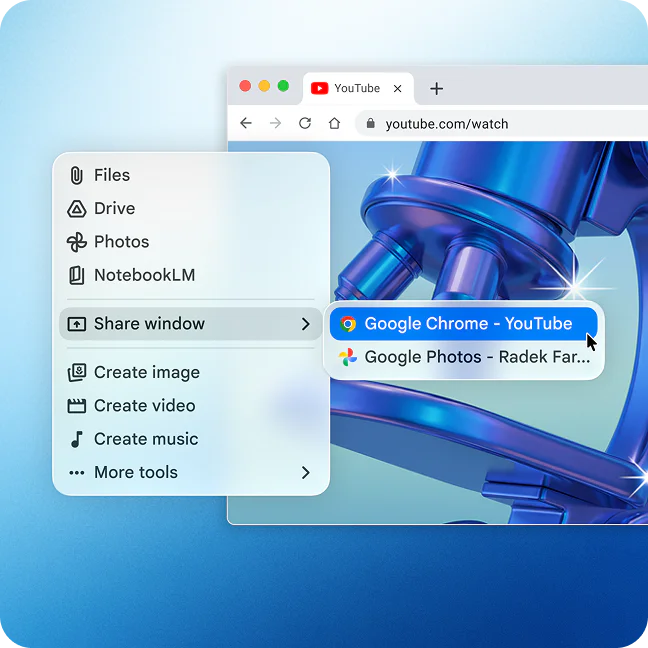
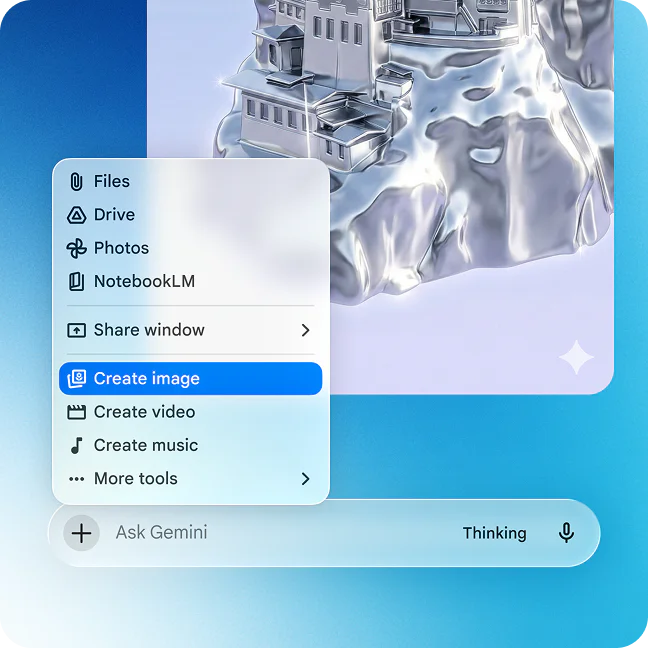
Users can also share entire web pages with Gemini, rather than only what’s visible on screen. The app includes support for image generation via Nano Banana and video creation through Veo. It is available on Macs running macOS 15 (macOS Sequoia) or later, across all regions and languages where Gemini is supported.
In a blog post, Michael Friedman, group product manager for the Gemini app, said the team is building toward a more personal and proactive desktop assistant, with additional updates planned in the coming months.
The timing coincides with expectations that Apple will introduce its long-awaited generative AI update for Siri at WWDC in June. The redesigned assistant is expected to integrate with macOS apps and use Gemini models.
Maybe you would like other interesting articles?