
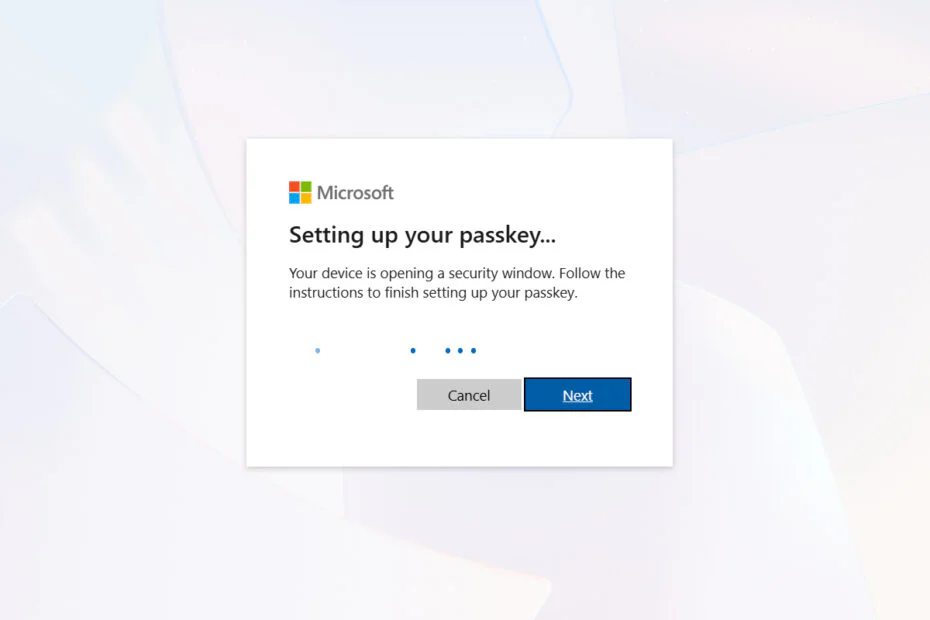
Microsoft will phase out SMS-based sign-in and account recovery for personal accounts and is encouraging users to move to passkeys and other updated security options, calling the older method increasingly vulnerable.
After being signaled for some time, the change is now confirmed through an updated support page and begins the gradual retirement of SMS verification, a technology tied to the GSM era of the early 1990s that remains common in identity checks. Microsoft says plaintext SMS codes are no longer sufficient as stronger, phishing-resistant methods have become standard across Windows and mobile platforms.
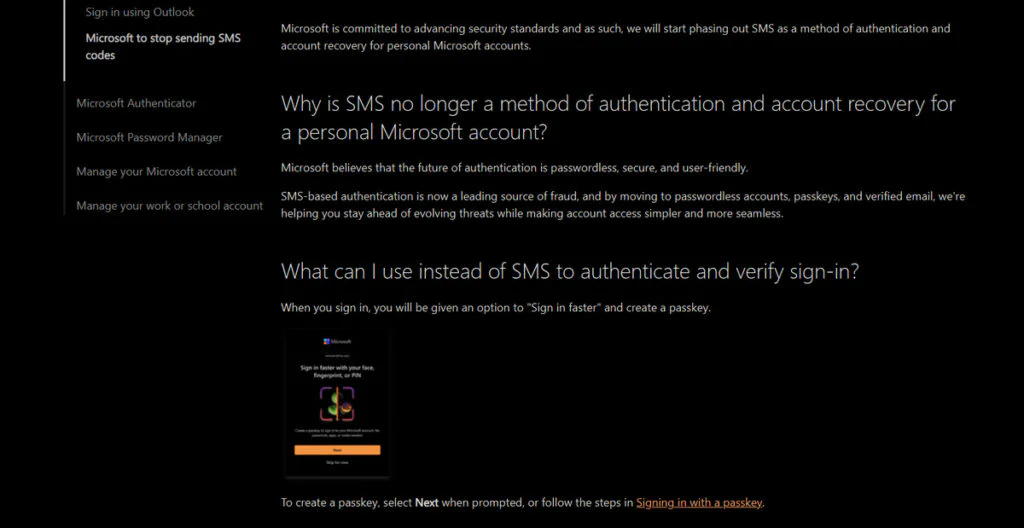
Microsoft considers SMS authentication an increasing security concern, noting that attackers often target text-based verification in fraud attempts. SMS codes can be exposed to phishing, SIM-swapping, and other methods that may let attackers bypass one-time passcodes.
Instead of relying on SMS, Microsoft wants users to move to passwordless logins, passkeys, and backup email addresses. Passkeys are the big focus here. Tied to a device PIN or biometric systems like fingerprint and facial recognition, passkeys are built to reduce phishing risks and offer stronger protection than text-based codes. They also bypass the delays and delivery failures that have long affected SMS authentication. On the recovery front, verified email addresses and passkeys are intended to provide a more durable fallback when users lose devices or change phone numbers.
Microsoft plans to introduce the phaseout through an updated sign-in experience. When users attempt to log in, they will be prompted with an option to “sign in faster” after setting up a passkey on their device. According to the company, passkeys can be stored in a password manager, on a smartphone, or through biometric tools supported by Windows Hello.
Microsoft sees passkeys as a straightforward upgrade and a better replacement for old SMS security. But for people who still use text-message codes every day, the switch may take some getting used to.
In its support documentation, Microsoft said it aims to strengthen security through experiences that are secure by default, noting that passkeys and verified secondary email addresses are meant to help users better protect themselves as threats evolve.
Maybe you would like other interesting articles?